

Live Betting
Track live odds shifts during NHL and NBA matchups, then place in-play wagers with a single tap, no page reloads needed.
WishKing app download supports English, French, Portuguese, and Spanish, giving players across Canada a fully localized experience. You can legally download the APK straight from this site, with no third-party store required. New players in Canada claim a 100% bonus up to CAD 1,500 + 100 FS, with a minimum deposit of CAD 20 needed to activate the offer.
| Size: | 42 MB |
| Downloads: | 250,000+ |
| Classification: | +18 |
| Language: | English (Canada), French, Portuguese, Spanish |
| Platform: | Android, iOS |
Follow this simple 5-step guide to install the WishKing Progressive Web App (PWA) on your Android device for quick and easy access, just like a native app.
Open a browser on your Android device and go to the official WishKing website.
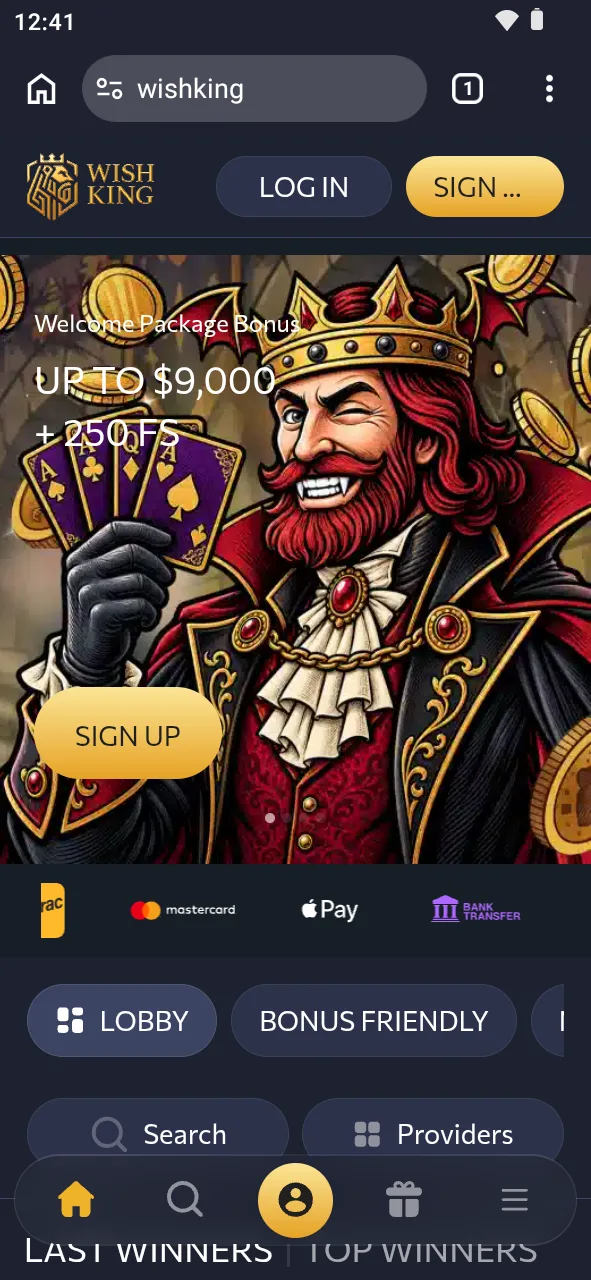
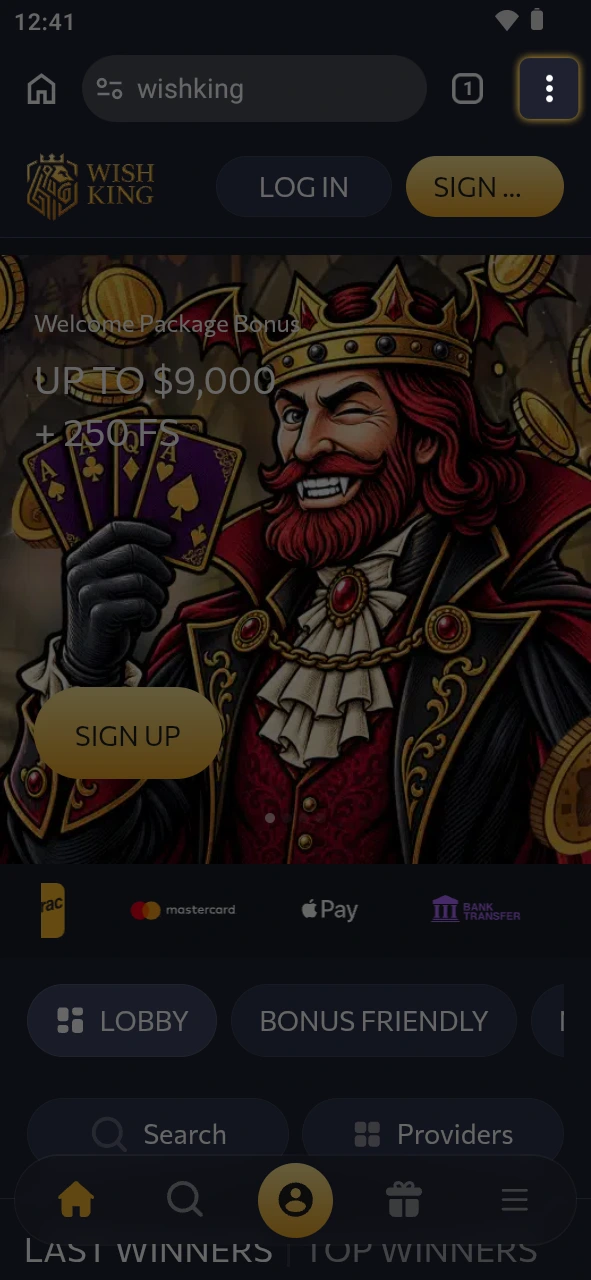
Once the WishKing website has fully loaded, tap on the three-dot menu icon located in the top-right corner of the Chrome browser. This will open a dropdown menu with several options.
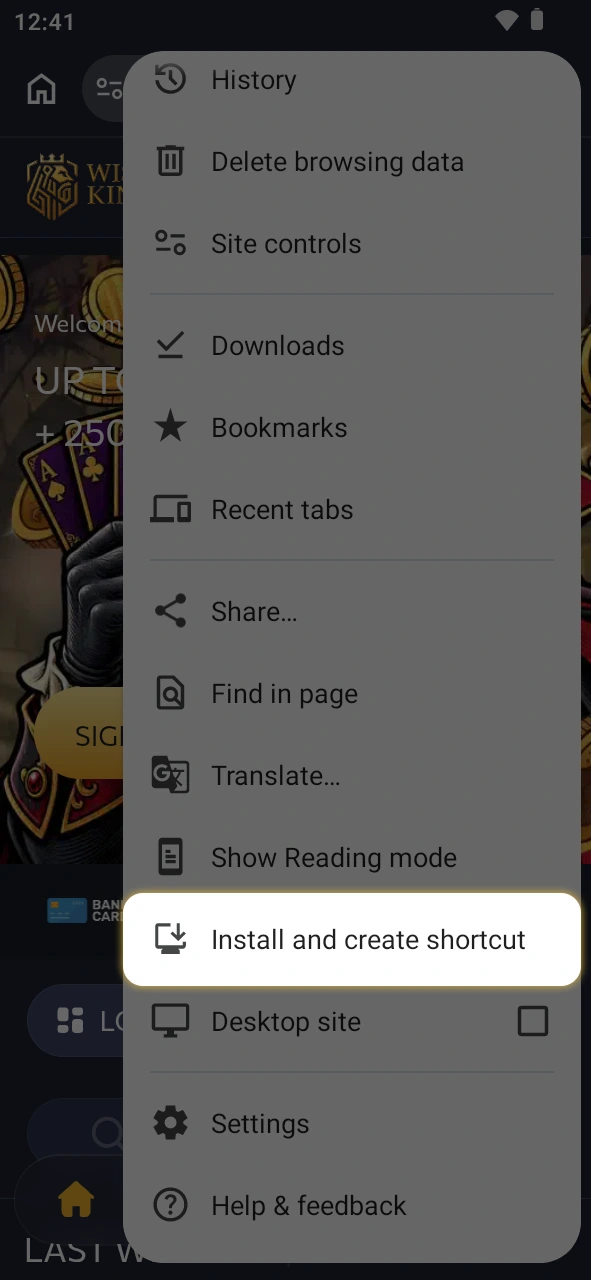
From the dropdown menu, look for and tap on the “Add to Home screen” or “Install App” option. Chrome will automatically detect that WishKing supports PWA installation and prompt you accordingly.
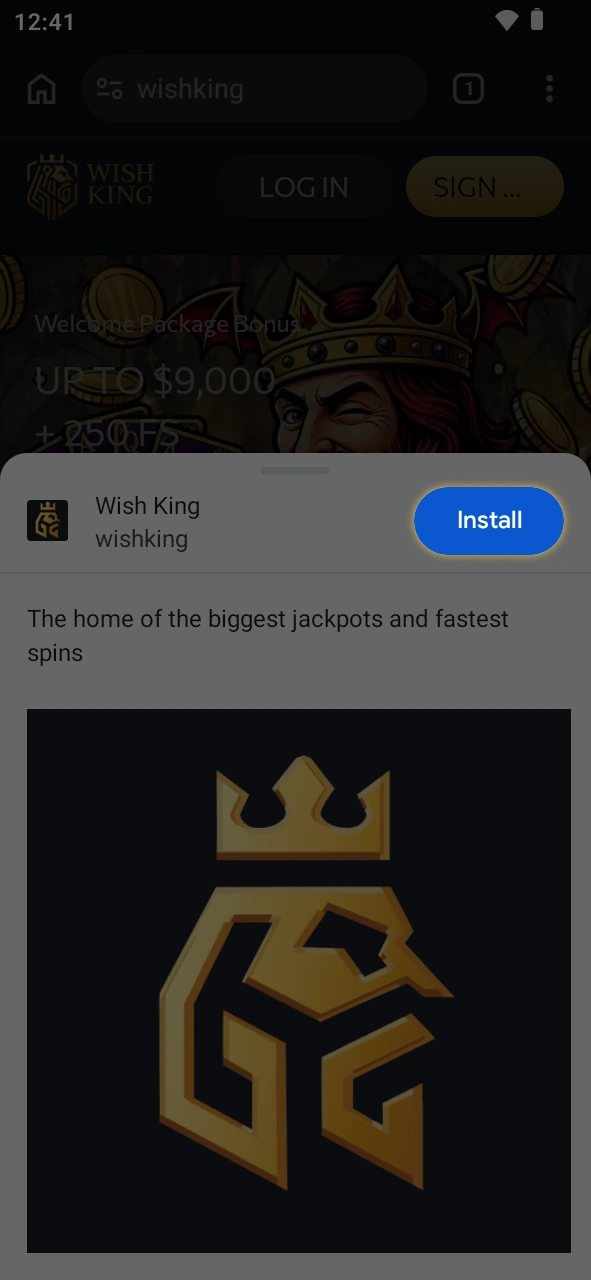
A confirmation dialog box will appear showing the WishKing app icon and name. Tap “Install” or “Add” to confirm. The app will then be downloaded and installed directly onto your device’s home screen.
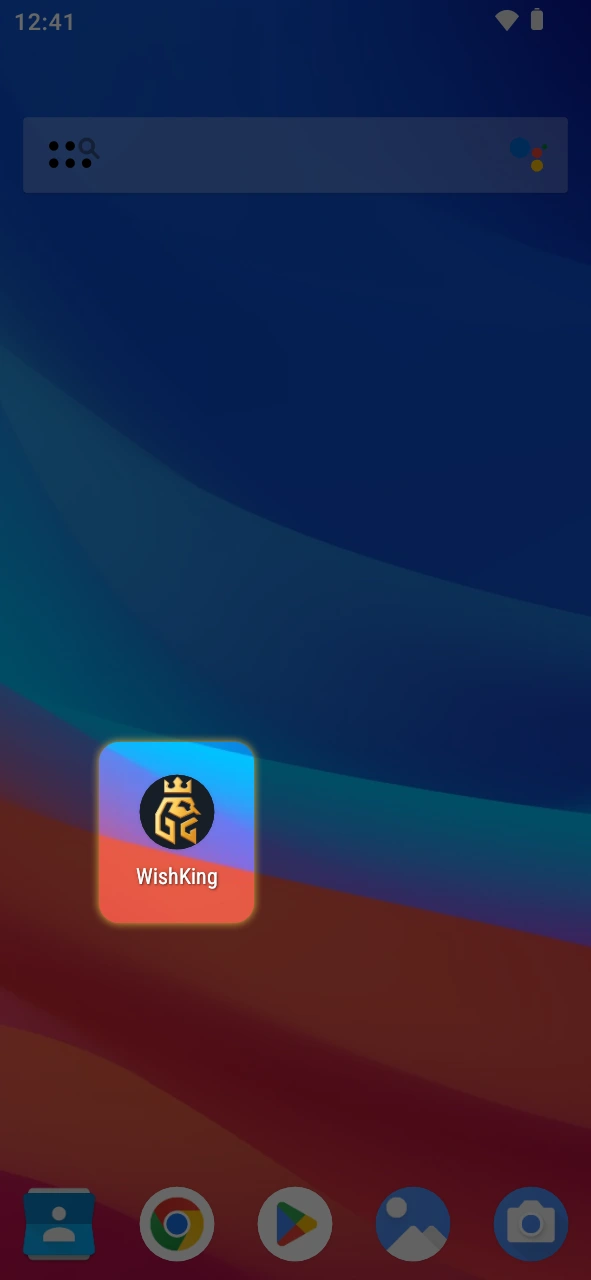
Once installation is complete, you will find the WishKing icon on your home screen, just like any other app. Tap on it to launch WishKing instantly, enjoying a full-screen, app-like experience without needing to open your browser each time
Check that your Android device meets these minimum specifications before you install the APK.
| Requirement | Minimum Specification |
|---|---|
| Android Version | 8.0 Oreo or higher |
| RAM | 2 GB |
| Free Storage | 150 MB |
| Processor | Quad-core 1.4 GHz |
| Screen Resolution | 720 x 1280 pixels |
Add the app to your iPhone or iPad in less than two minutes. The process places a Progressive Web App icon straight on your home screen, with no App Store needed.
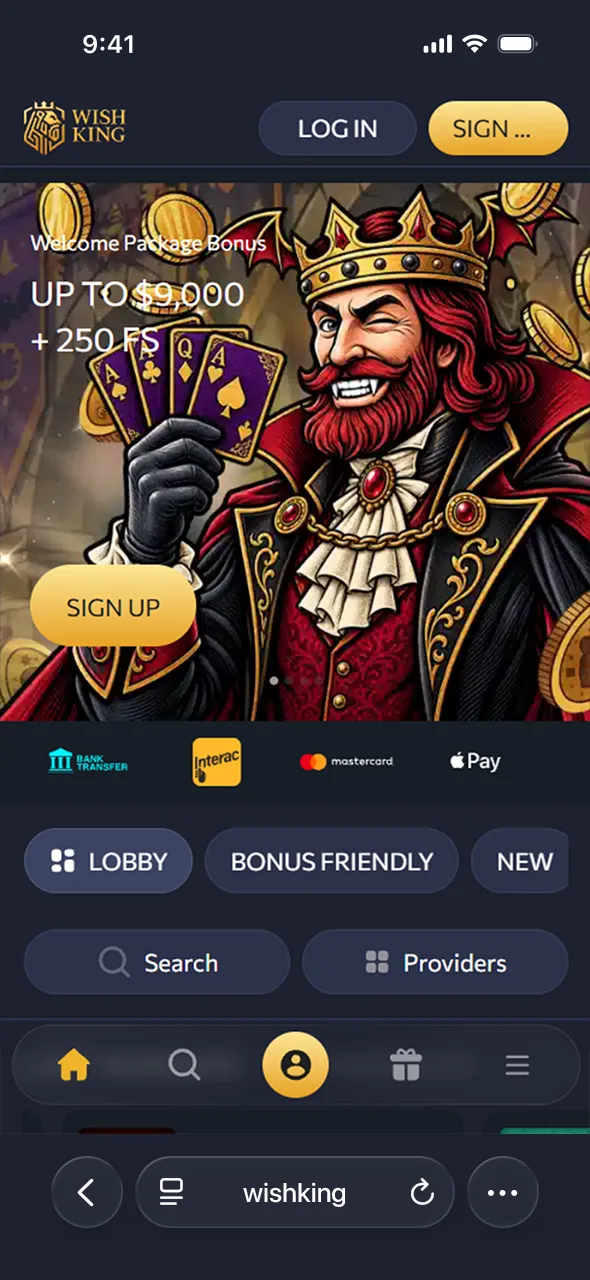
Launch Safari on your iPhone or iPad, then tap “Download for iOS” below to load the mobile app page directly on this site.
Find the share icon at the bottom of the Safari screen and tap it to open the sharing menu.
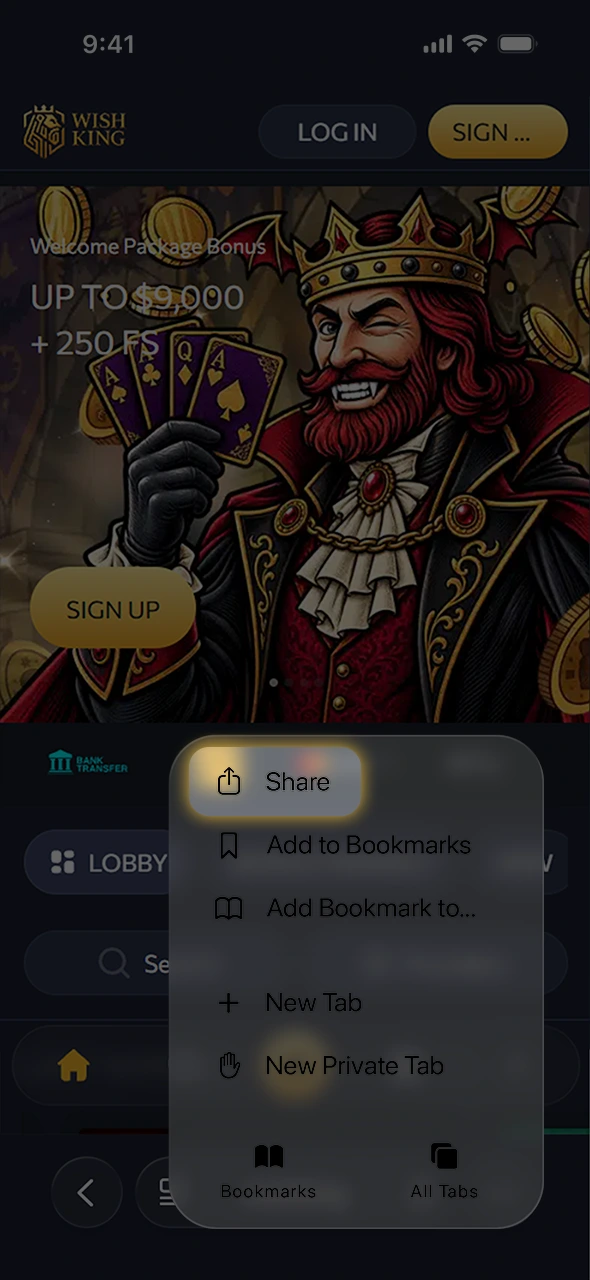
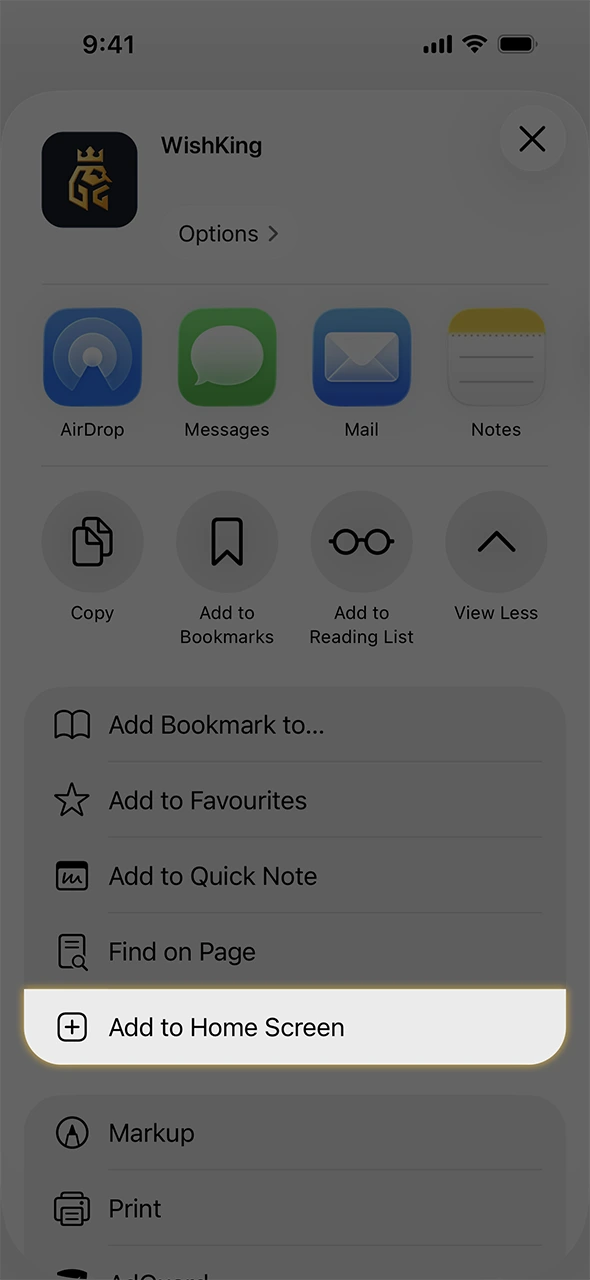
Scroll down the share menu and choose “Add to Home Screen” to create a shortcut on your device.
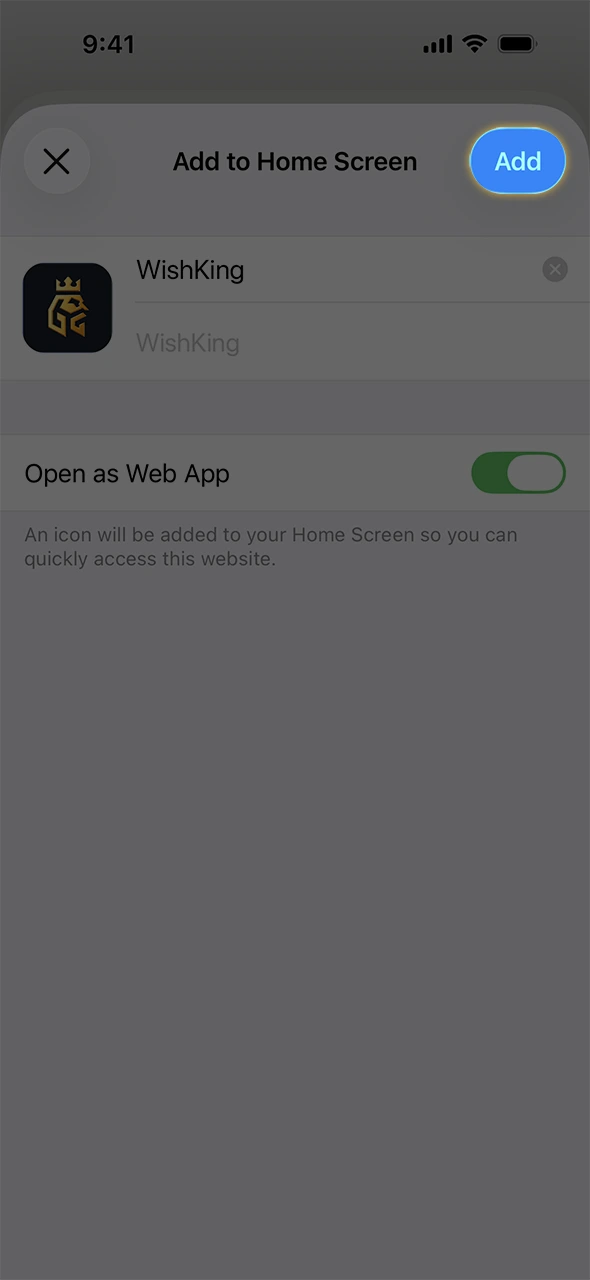
Keep the default name or edit it, then tap “Add” in the top right corner of the screen.
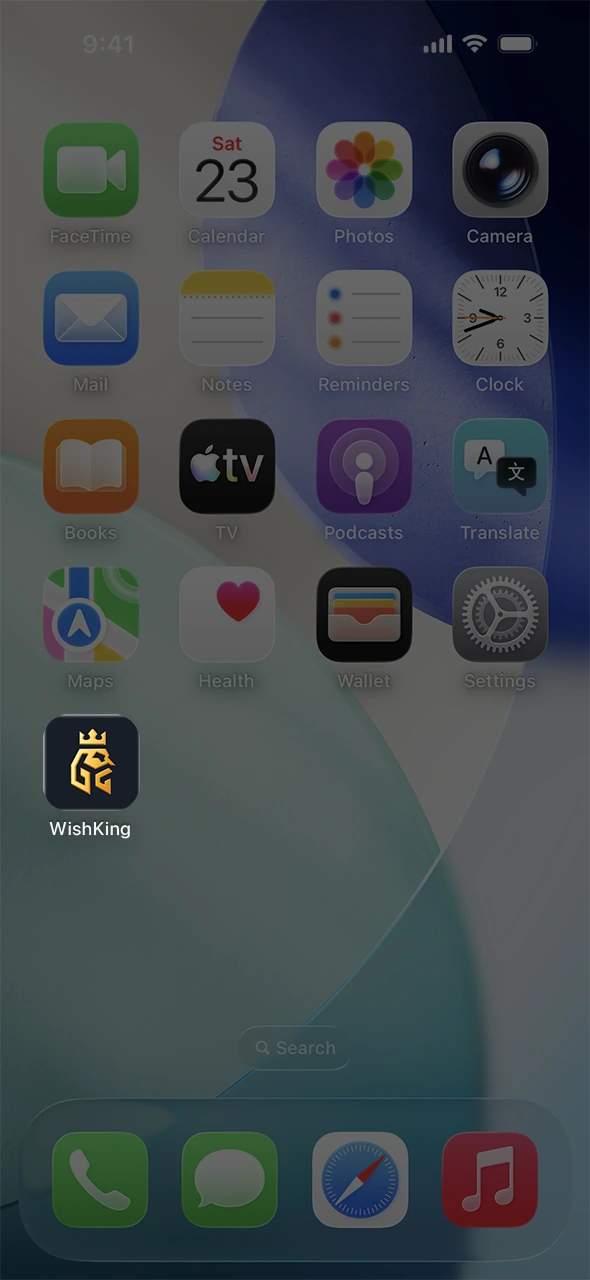
Find the new icon among your apps and tap it to open the platform in full screen mode, matching a native app experience.
Check that your iPhone or iPad meets these minimum requirements before you add the app to your home screen.
| Requirement | Minimum Specification |
|---|---|
| iOS Version | 14.0 or higher |
| RAM | 2 GB |
| Free Storage | 100 MB |
| Processor | Apple A10 chip or newer |
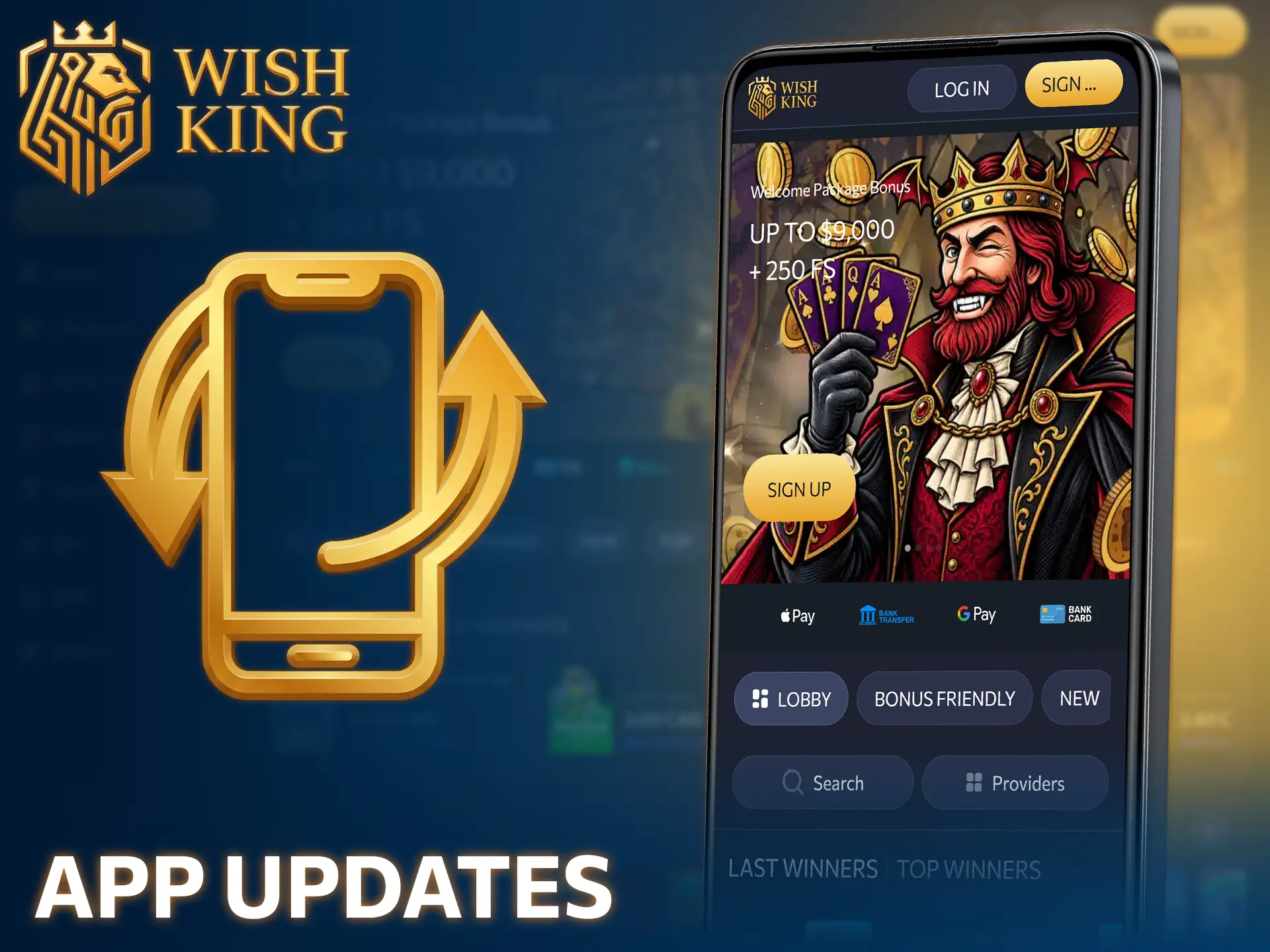
The Android version updates through manual downloads. When a new version is ready, this site hosts the latest file for you to install over the existing app. The iOS version runs as a Progressive Web App, so it updates automatically each time you open it through Safari. No manual download is required for the iPhone version, and you always run the latest version without extra steps.
Each card below highlights a core function built into the app for Android and iOS.
Track live odds shifts during NHL and NBA matchups, then place in-play wagers with a single tap, no page reloads needed.

Cash out through Interac e-Transfer, USDT, or Skrill, with most withdrawal requests clearing within 15 minutes, day or night.

Browse over 4,000 slots, table games, and crash titles like Aviator, all optimized for quick loading on mobile screens.

Sign in using fingerprint or Face ID instead of typing a password every time you open the dashboard.

Receive alerts for bonus expiry, match kickoffs, and jackpot drops, timed to match your notification preferences.
The mobile website runs directly through any browser, with no installation required. Open it on Android, iOS, or a desktop browser for instant access to the full platform.

The mobile site runs in your browser, so it takes up zero storage space on your device.

Bypass download steps entirely and reach the casino and sportsbook in seconds through any browser.

Your account, balance, and bet history stay synced between the mobile site and the app.

The mobile website always runs the latest version, with no manual update steps needed.
The app and the mobile browser both give full access to the casino and sportsbook. Each option handles speed, storage, and offline features differently. Compare the main differences below to pick the setup that matches your device and habits.
| Feature | App | Mobile Browser |
|---|---|---|
| Loading Speed | Faster | Standard |
| Storage Use | 42 MB | None |
| Push Notifications | Yes | No |
| Biometric Login | Yes | No |
| No Installation Step | No | Yes |
Frequent players who want speed and alerts install the app. Casual players who prefer zero storage use stick with the mobile browser.
The casino section holds over 4,000 titles from more than 40 studios. Every category loads within seconds on Android and iOS, with no lag during play.

Spin over 3,000 video slots, including high volatility titles from Pragmatic Play and Hacksaw Gaming, with fast load times on mobile.

Play Aviator and other crash titles with live multiplier tracking, built for quick rounds on any screen size.

Join live casino games: blackjack, roulette, and baccarat tables streamed in HD, with dealers running 24 hours a day.

Choose from over 100 blackjack, roulette, and poker variants, each built for touchscreen controls.

Chase progressive jackpots that climb across the network, tracked live inside the app interface.

Try Mines, Plinko, and Dice for rounds that finish in under 10 seconds, ideal for short mobile sessions.
Start playing inside the app in four steps, from install to first wager.
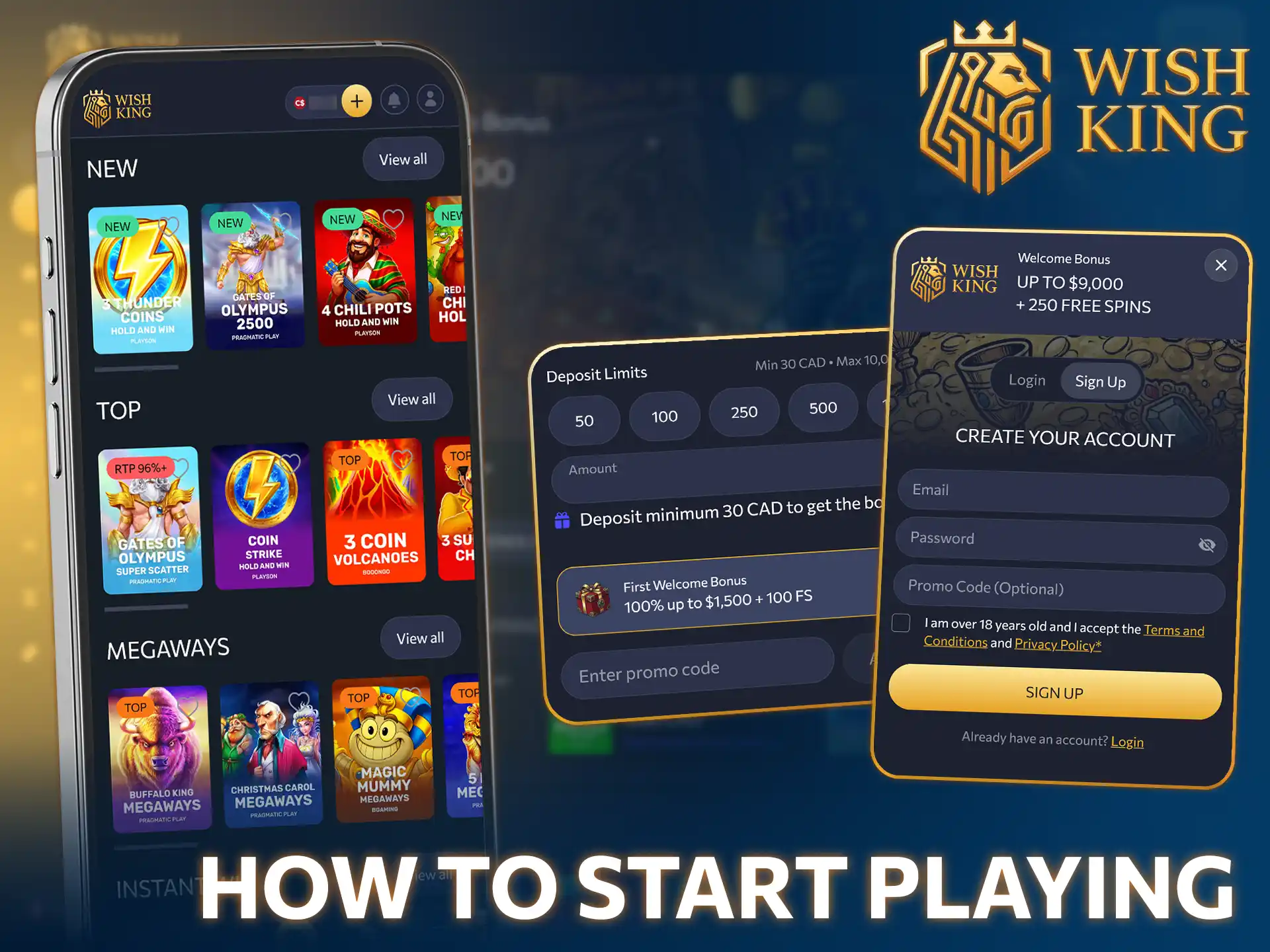
The app carries every active promotion available on the platform, updated automatically. Players in Canada claim these offers directly from the app dashboard.
| Bonus | Description |
|---|---|
| Welcome Bonus | 100% match up to CAD 1,500 + 100 FS, minimum deposit CAD 20, 35x wagering. |
| Reload Bonus | 50% match up to CAD 500 every Wednesday, minimum deposit CAD 25. |
| Weekly Cashback | 10% cashback on net losses up to CAD 200, credited every Monday. |
| Free Spins Drop | 50 FS on selected slots, minimum deposit CAD 15, valid for 72 hours. |
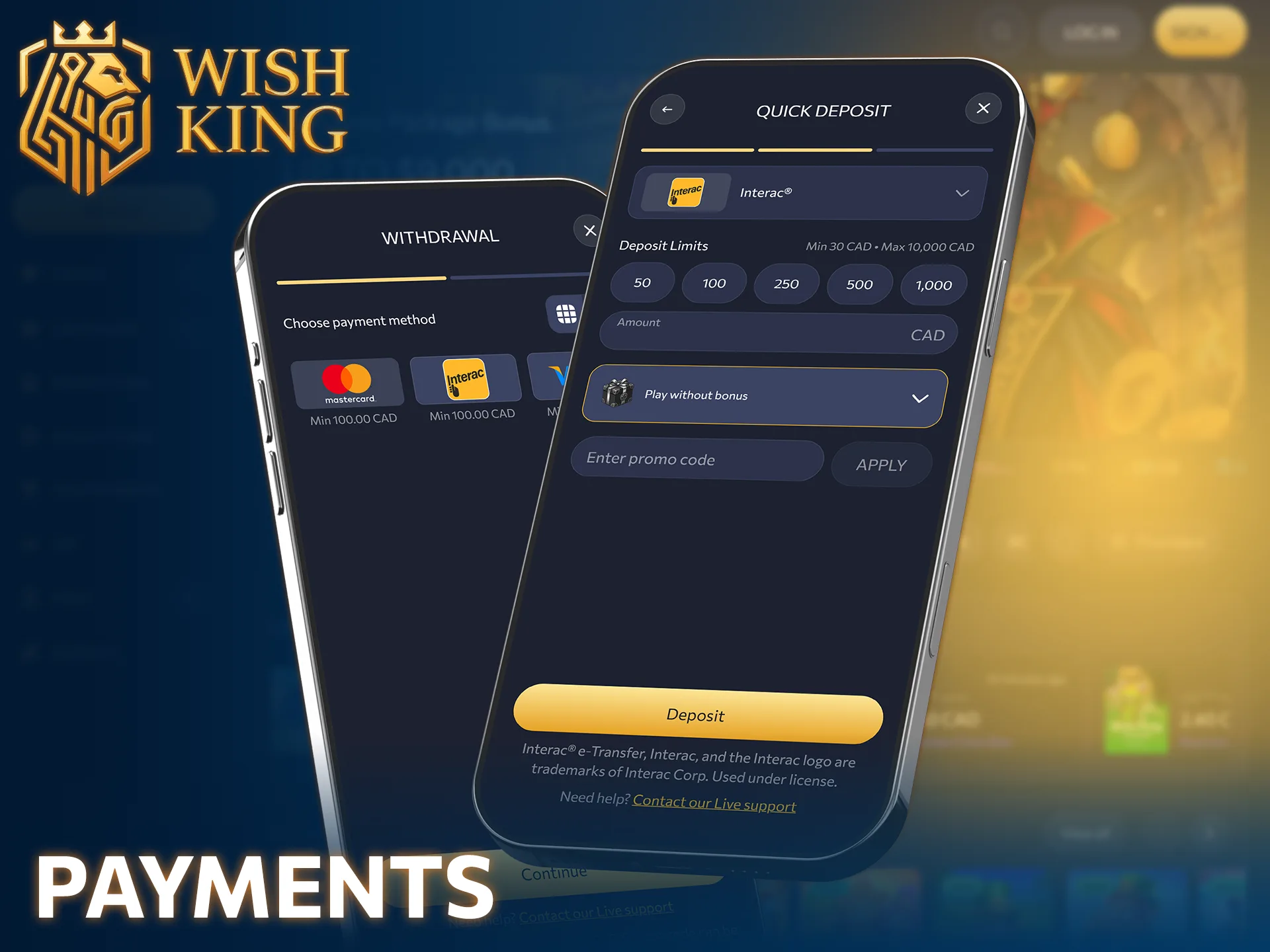
Players in Canada fund their accounts through methods built for speed and privacy. Deposits post instantly once confirmed, and most withdrawal requests clear within 15 minutes.
The minimum deposit across all payment methods is CAD 20, and the minimum withdrawal is CAD 30.
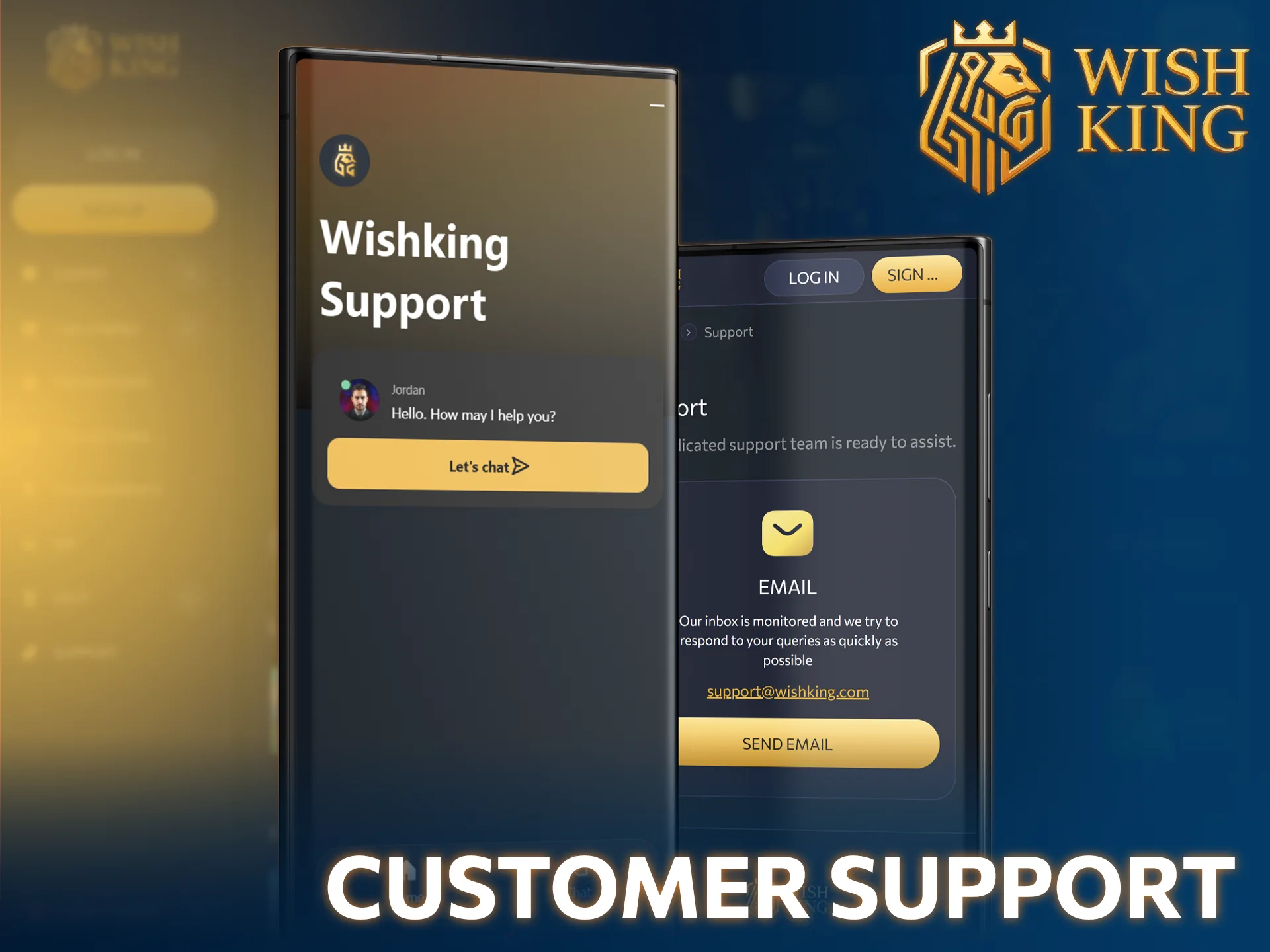
Support agents inside the app respond around the clock, every day of the year. Reach a professional agent through any of these channels while in Canada.
WishKing operates under a Curacao eGaming license and accepts players across Canada outside Ontario’s regulated market. Single-event sports betting became legal nationwide in August 2021 under Bill C-218, and offshore platforms like this one follow the same framework used across most provinces. The license requires independent auditing of games and payment systems, giving players a documented layer of accountability.
Tap “Download APK Now” on this page, enable installation from unknown sources in your Android settings, then open the file to install. The full process takes under two minutes on a typical mid-range device with 150 MB of free storage.
The download stays free for Android and iOS. Funds are only needed once you make your first deposit, starting at CAD 20, to activate the welcome bonus.
Most methods, including Interac e-Transfer and USDT, clear within 15 minutes. Card withdrawals may take up to 3 business days, depending on the issuing bank.
Yes. Your account, balance, and bet history sync automatically between the app and the mobile browser version, so switching devices never resets your progress.
Updated: